Grade Level Lesson Plans Poem Generators Excel Word PowerPoint MultiMedia Internet Research Tech Coordinator Tutorials Video Reversal Video Tutorials iPad Lesson Plans iWork Keynote iWork Pages iWork Numbers Mac Multimedia Resources
Search This Site
Custom Search

Using the Computer Calculator for Money Math

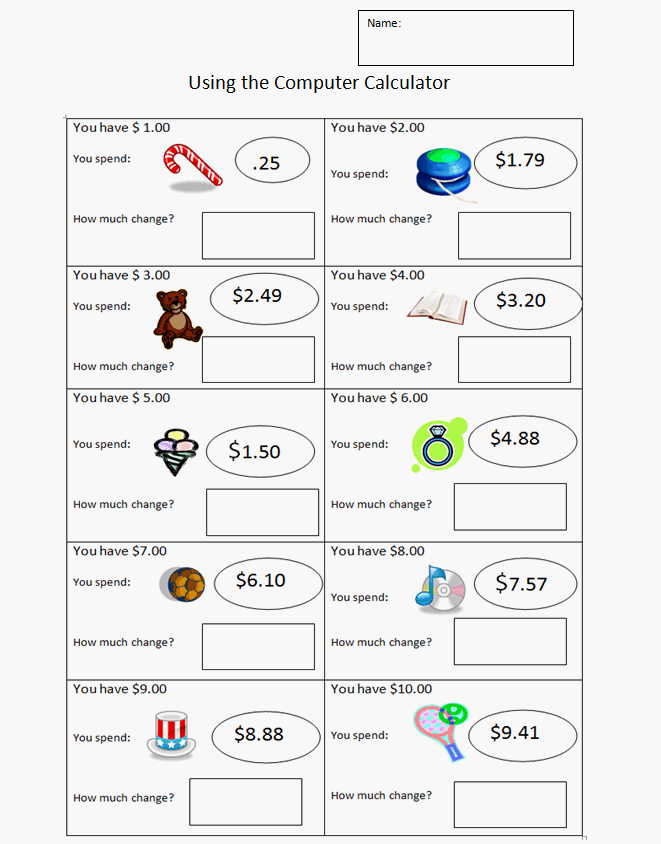
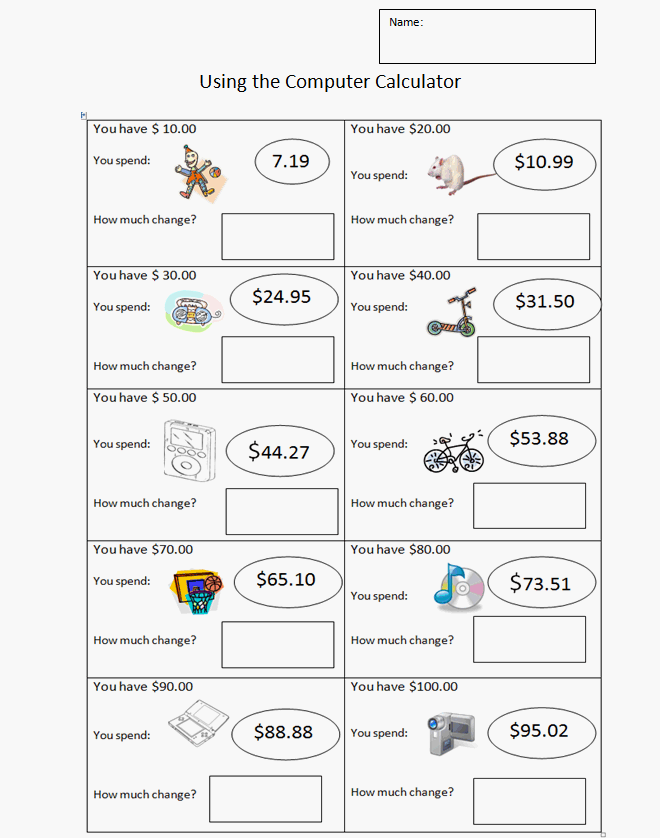
Students Calculate Money Change using the Computer Calculator

This is a fun math exercise that is done using the built in calculator on the computer. Kids really enjoy learning to use the calculator and find that it takes careful attention to detail to push the correct buttons and decimal point. To get the computer calculater, go to: Start > All Programs > Accessories > Calculator.

Calculations can also be entered directly into the Google search box to get answers. For example, in Google Search, simply enter the problem into the search box like this: 8.00 - 1.79 and then press "Enter" or click "Google Search" to get the answer.

Grade 3 and up


Student Money Calculations Activity Sheet:

Download the activity sheet and make double sided copies for the kids.

Download: Using-the-Computer-Calculator.doc

Money Subtraction Sheet


Money Subtraction Sheet