Animal Camouflage PowerPoint Lesson
Assignment: Students research information on the internet about animal camouflage. Students locate and save several images of examples of animal camouflage. Students use their research information and images to create a PowerPoint, Google Slides, or Apple Keynote slideshow presentation.
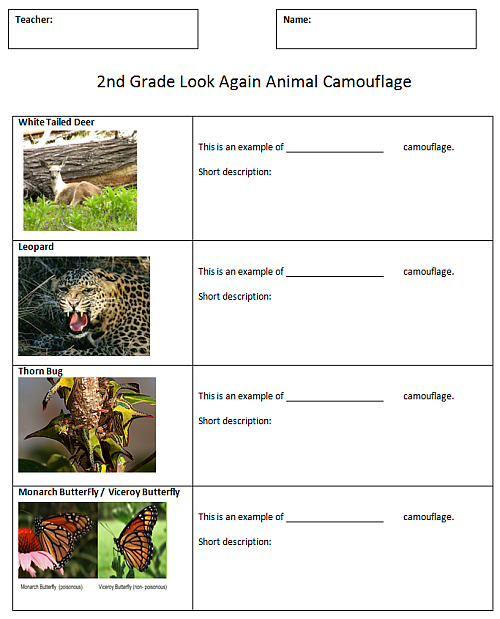
Download: Camouflage Research Handout 1
Download: Camouflage Research Handout 2
Download: Camouflage Research Handout 3
Conduct short research projects that build knowledge about a topic. CCSS.ELA-LITERACY.W.3.7 Introduce a topic and group related information together; include illustrations when useful to aiding comprehension. CCSS.ELA-LITERACY.W.3.2.A
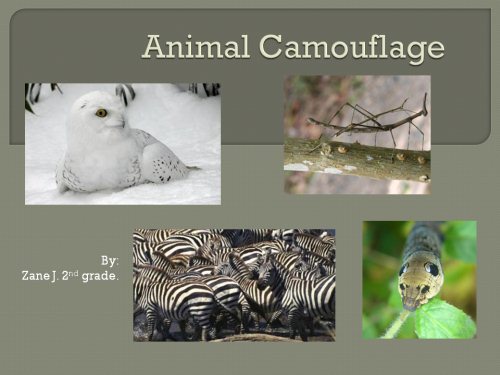
Slide 1 Title Slide
Students search for examples of animal camouflage pictures on the internet. Students insert or copy and paste their images into their slides.
Instructions
- Students use one of the camouflage research handouts to guide their research.
- Students can write their camouflage notes on the handout.
- Students insert or copy and paste camouflage images to their slides.
- Students use their notes and images to create their presentation.
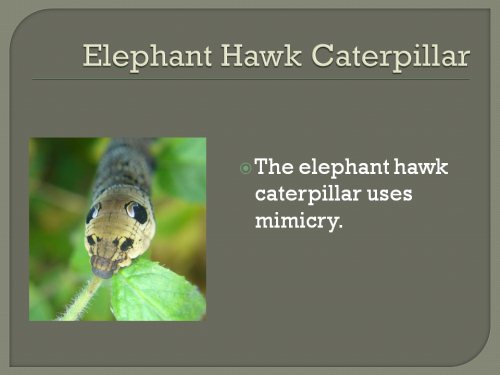
Slide 2 - Mimicry
Students should be able to use text boxes to enter their research information. Information should be written in complete sentences.
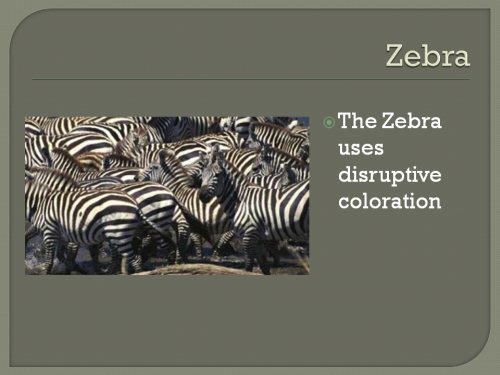
Slide 3 - Disruptive
Students should be sure to find and use pictures that are clear and sharp and in focus. Avoid using very tiny thumbnail images that appear very blurry when stretched to larger sizes.
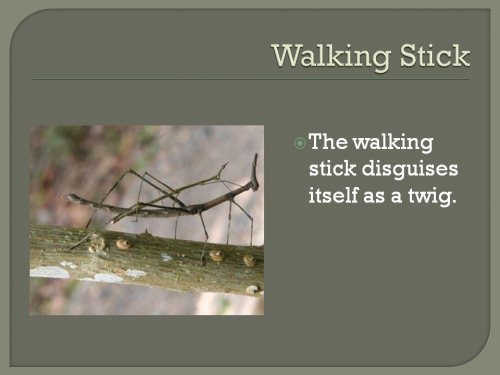
Slide 4 - Disguise
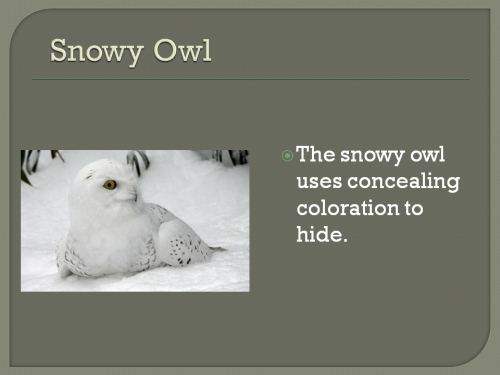
Slide 5 - Concealing
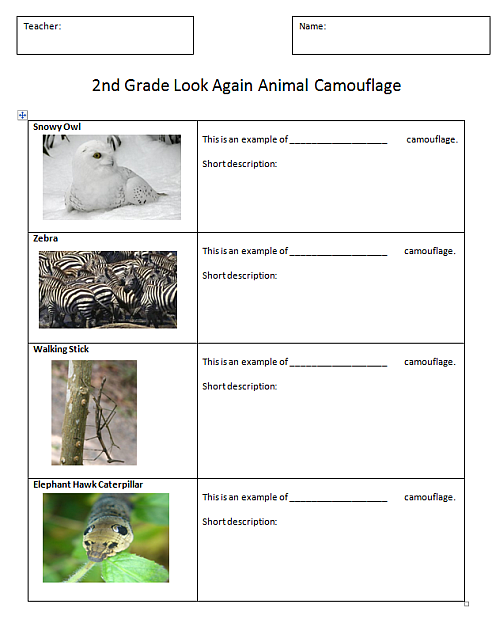
Camouflage Research Handout 1
Camouflage Research Handout 2
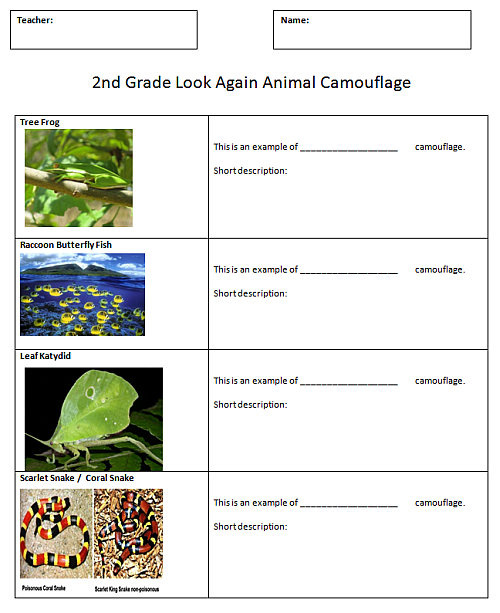
Camouflage Research Handout 3