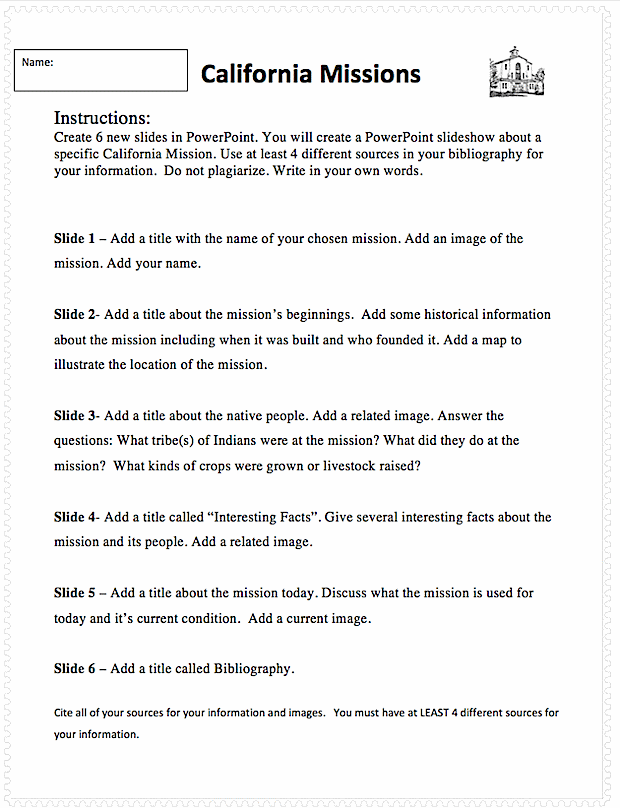
California Missions PowerPoint Lesson Plan
Assignment: Students use the internet to research information and collect images about one of the California Missions. Students create an informative presentation about the mission's history, native people, crops grown and / or livestock raised and other interesting facts. They may be able to use information found in their textbooks.
Download: california-missions-powerpoint-student-instructions
Conduct short research projects that build knowledge about a topic. CCSS.ELA-LITERACY.W.3.7 Introduce a topic and group related information together; include illustrations when useful to aiding comprehension. CCSS.ELA-LITERACY.W.3.2.A
Download: rubric-for-slide-presentations.pdf
Slide 1 - Title Slide
Students add a title with the name of their chosen mission. Students add one or more images and their name.
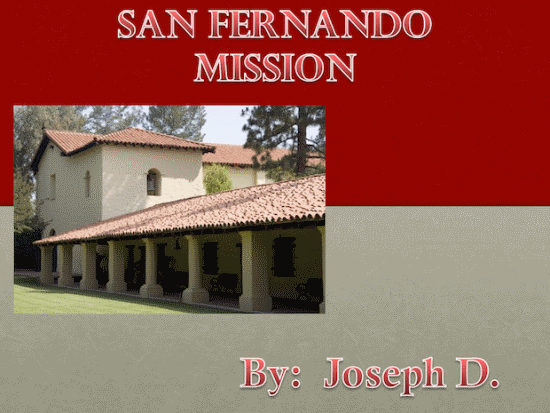
- Students will use the internet to locate and save several mission photos.
- The pictures should be clear and sharp.
- Avoid tiny thumbnail images.
Slide 2 Mission Beginnings
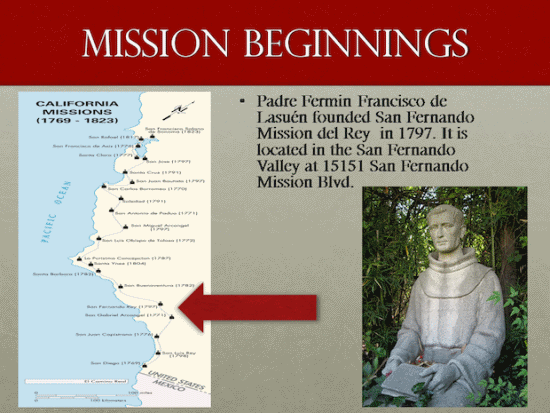
Students add a title "Mission Beginnings". Students add a map and indicate the location of their chosen mission. Students add facts about the mission's beginnings.
Slide 3 - Native People
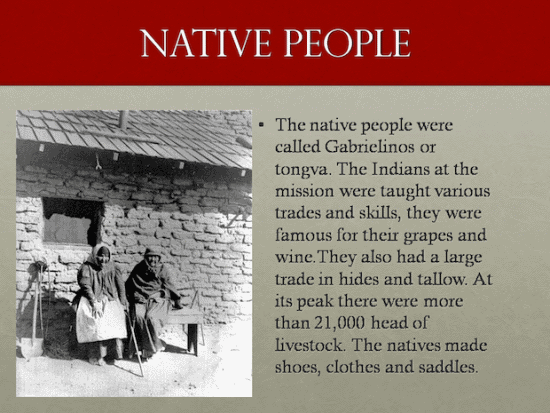
Students add a title "Native People". Students add an image of the mission's native people. Students add facts about the native people's activities and skills.
Slide 4 - Interesting Facts
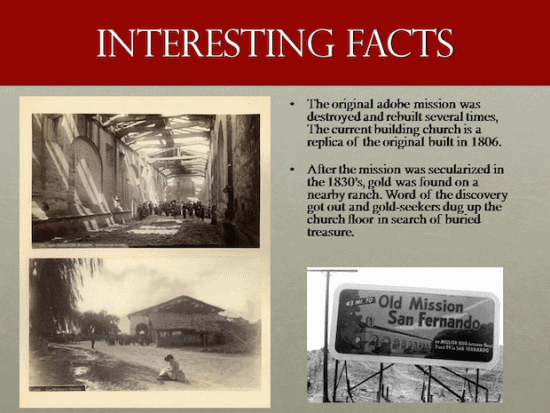
Students add a title "Interesting Facts". Students add one or more images and add some interesting facts about the mission.
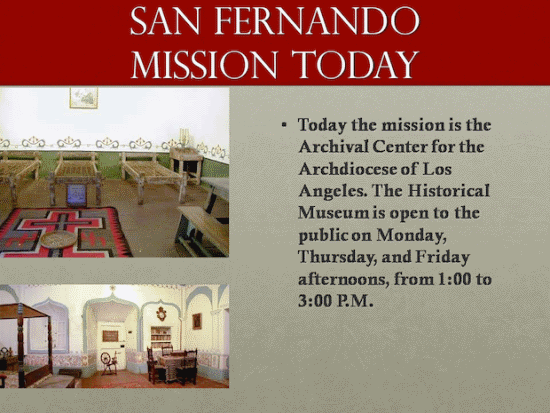
Slide 5 - The Mission Now
Slide 6 - Bibliography
California Missions Student Instructions