Kindness - PowerPoint Lesson Plan
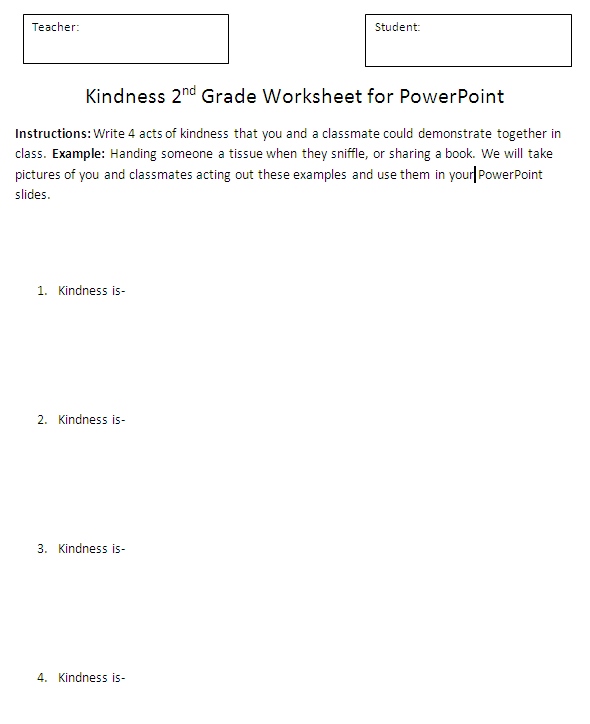
Assignment: Students will reflect and discuss acts of kindess in class. Students write 4 acts of kindness on the worksheet handout. Students use this information along with several images to create a 2 - 4 slide PowerPoint / Google Slides / Keynote presentation using their information and images.
Download: kindness-student-worksheet-for-powerpoint.doc
Conduct short research projects that build knowledge about a topic. CCSS.ELA-LITERACY.W.3.7 Introduce a topic and group related information together; include illustrations when useful to aiding comprehension. CCSS.ELA-LITERACY.W.3.2.A
Download: kindness-assignment-instructions-for-teachers
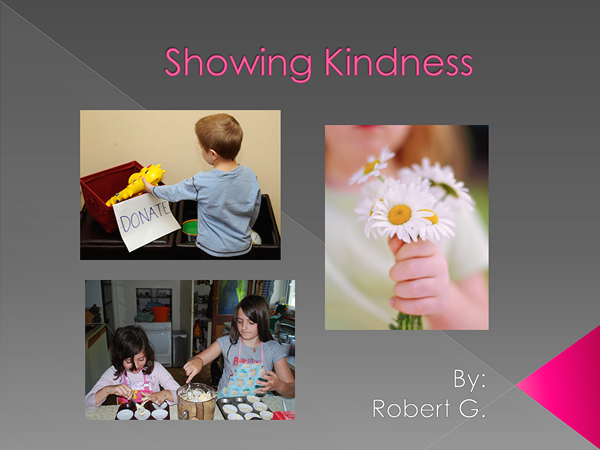
Slide 1 - Showing Kindness
Students add a title slide with a title and some images showing acts of kindness. Students add their name.
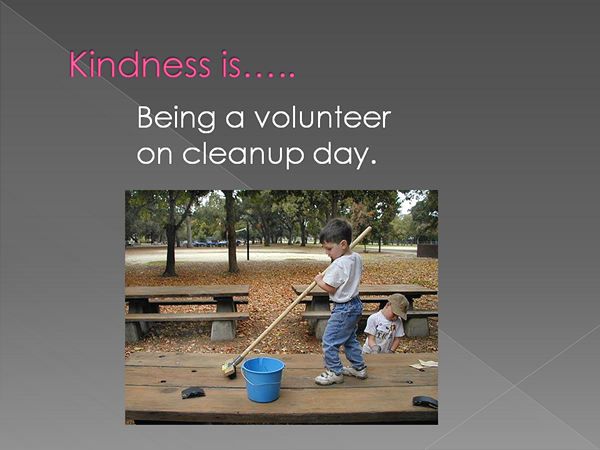
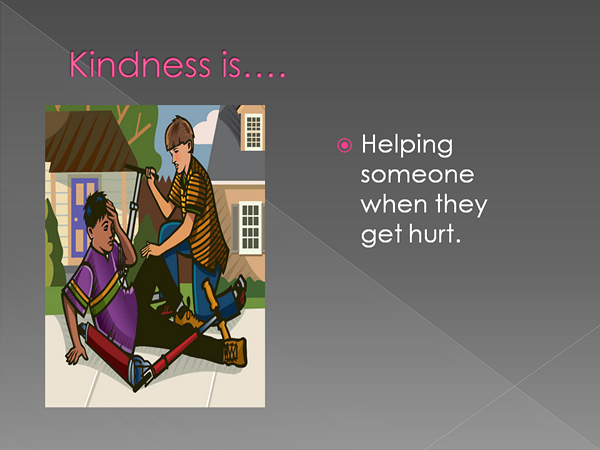
Slide 2 - Kindness is...
Students add a title "Kindess is...", a related image, and some related text.
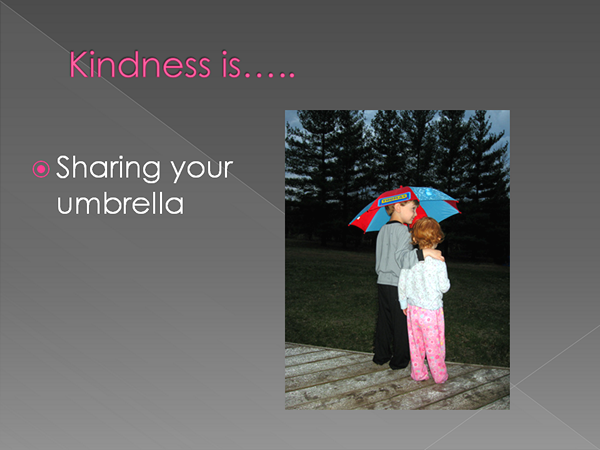
Slide 3 - Kindness is...
Students add a title "Kindess is...", a related image, and some related text.
Slide 4 - Kindness is...
Students add a title "Kindess is...", a related image, and some related text.
Assignment Instructions for Teachers
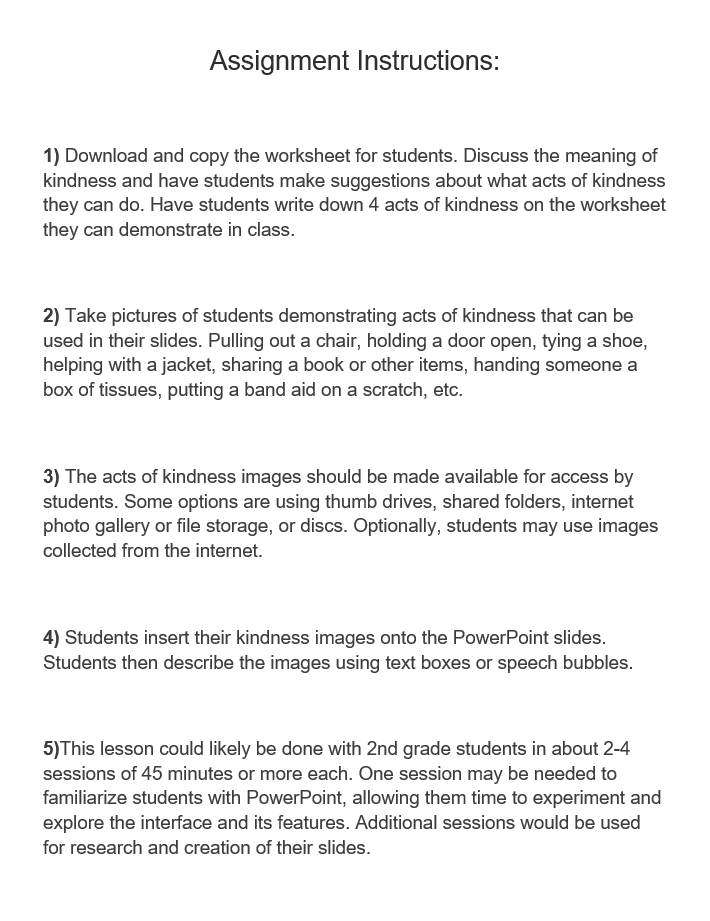
Student Instructions