Copy and Paste Practice using Fractions
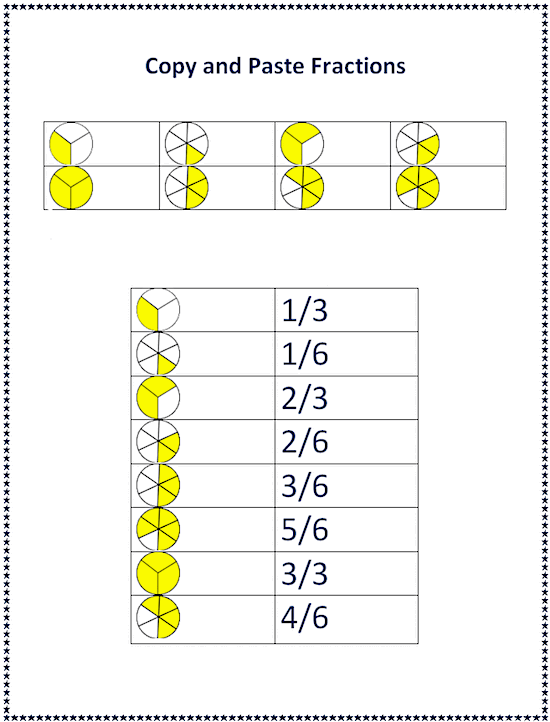
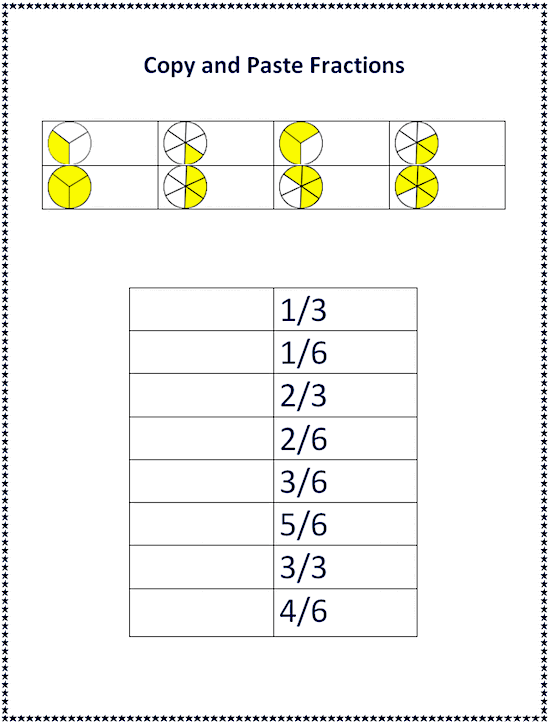
Assignment: Students practice how to copy and paste using a Microsoft or compatible word processor. Students use the copy and paste template to copy and paste the fractional pie pieces next to correct number fractions. Students can right click copy and right click paste or use keyboard shortcuts "Ctrl C" and "Ctrl V". Students can use the "undo" button or "Ctrl Z" to fix mistakes. Students add their name and print when done.
Download: copy-and-paste-fractions-student-template.docx
Copy and Paste Fractions Student Template
Copy and Paste Fractions Finished Example: