Copy and Paste - Living Things
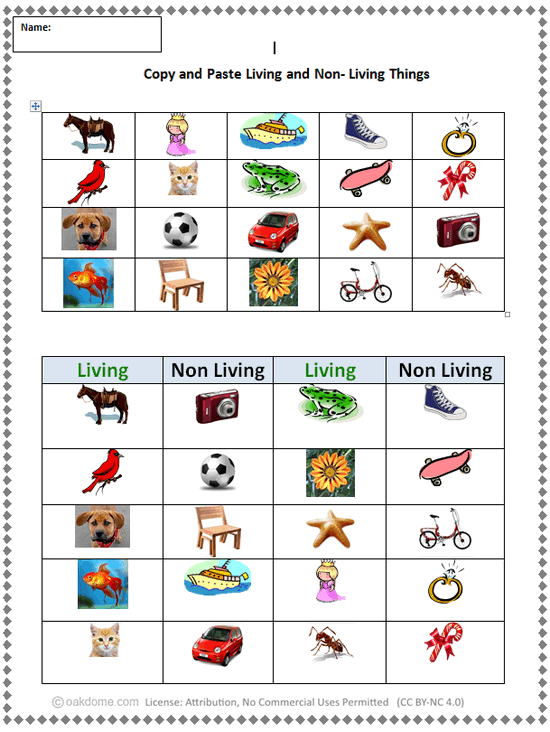
Assignment: Students practice how to copy and paste using a word processor. Students open the copy and paste practice document and classify the objects in the pictures as living or non-living. Students copy and paste the living things into the Living column and copy and paste the non-living things into the Non Living column.
Students can use the mouse to "right click copy" and "right click paste", or use keyboard shortcuts "Ctrl-C" (copy) and "Ctrl-V" (paste). Students may need to use "undo" or "Ctrl-Z" to fix mistakes.
Download: living-and-nonliving-things-copy-and-paste.docx
Online Version: Check it out here
Copy and Paste Pictures - Living Things
Students copy and paste the pictures into the correct columns.
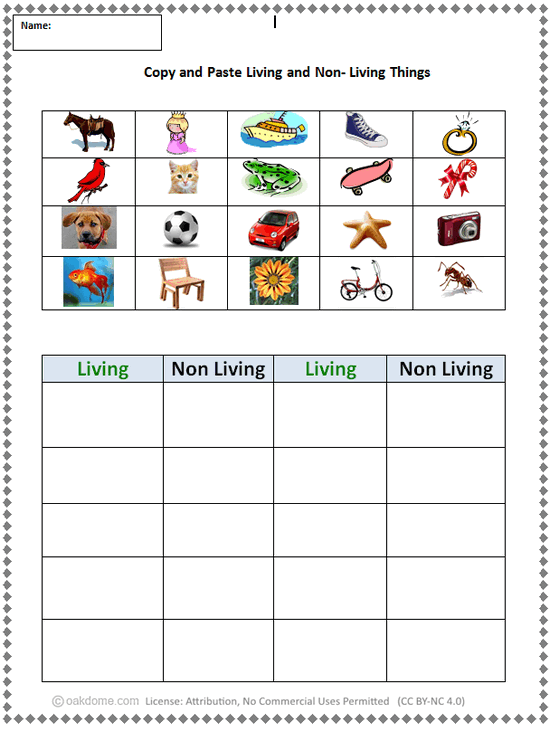
Copy and Paste - Finished Example
This an example of how the copy and paste activity sheet will look when completed.