Copy and Paste Practice
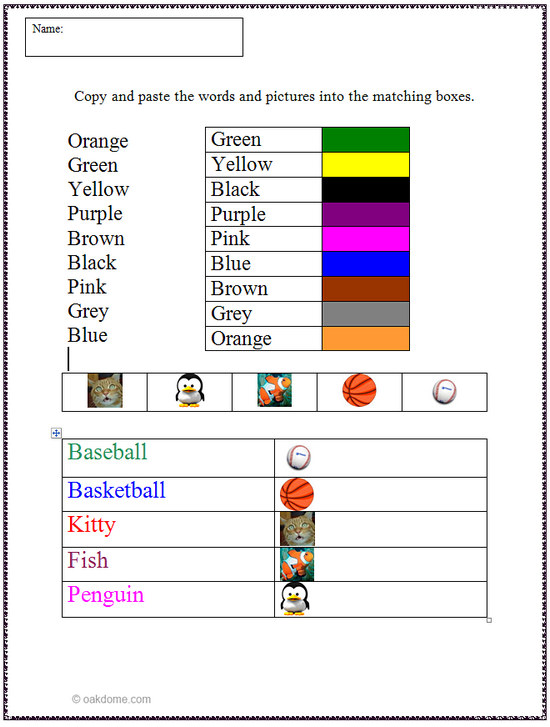
Assignment: Students will learn how to copy and paste using a word processor. Have each child open a copy of the copy and paste practice document. Demonstrate how to copy and paste the text and images into the matching boxes. This will be a good time to demonstrate the use of the "undo" button to fix mistakes as well.
Download: copy-and-paste-practice.docx
Copy and Paste Practice
Students copy and paste the words next to the matching color. Students copy and paste the images next to the correct description of the images.
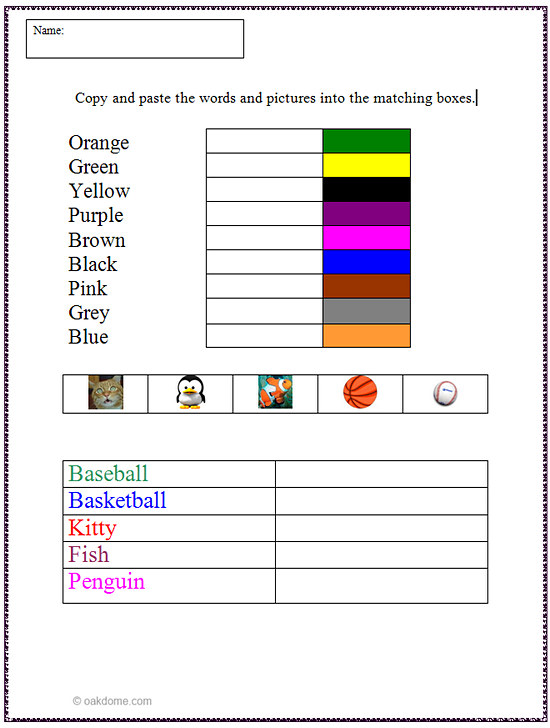
Copy and Paste - Finished Example
This an example of how the copy and paste activity sheet will look when completed.