1st Grade Informative Writing
How do Cats Grow?
Assignment: This writing lesson integrates technology into the Common Core Writing Standard for informative writing for first grade. Students write information explaining how cats grow. Students practice writing 3 or more sentences using proper capitalization and punctuation. Students may search for clipart, and then insert and size their clipart. Students format the text using a larger font size and print and / save their work.
Grade 1 +
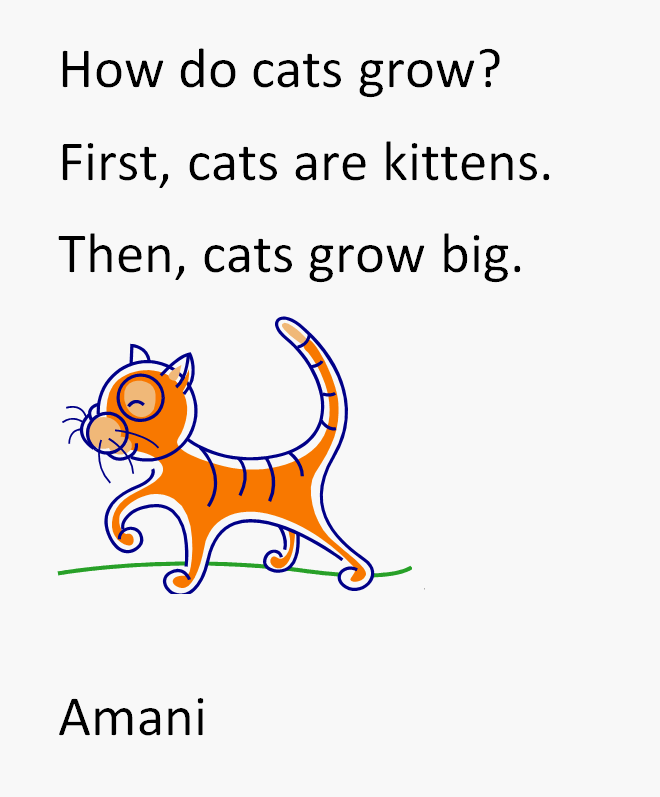
Finished Example - How do Cats Grow?
CCSS.ELA-LITERACY.W.1.2 Write informative/explanatory texts in which they name a topic, supply some facts about the topic, and provide some sense of closure.
Teaching Tips:
- Model and explain each step to students. Be prepared to provide assistance and repetition as necessary. Work towards developing increased proficency, independence and mastery.
- Have students change to a larger font size before beginning writing. You can teach students how to select text and then increase the font size later as they gain word processing proficiency.
- Teach the students how to use the "Backspace" and "Undo" buttons to fix mistakes.
- Remind students to press the print button only once.