Grade Level Lesson Plans Poem Generators Excel Word PowerPoint MultiMedia Internet Research Tech Coordinator Tutorials Video Reversal Video Tutorials iPad Lesson Plans iWork Keynote iWork Pages iWork Numbers Mac Multimedia Resources
Search This Site
Custom Search

Happy Holidays Greeting

Students use Clipart, Borders and Text Formatting to Create Holiday Greetings

Students will write a Holiday text greeting that can be very short and simple or more elaborate. They will use text formatting to size and style the font. Students will learn to enhance and decorate their greeting using the "borders and shading" option. Students will search for and insert appropriate clipart for their greeting. The sample below shows the use of a speech bubble "autoshape" with the clipart.

Grade K and up


Happy Holidays Letter - Advanced

This letter uses a border, fancy font, clipart and speech bubble shape with text.


Happy Holidays Letter


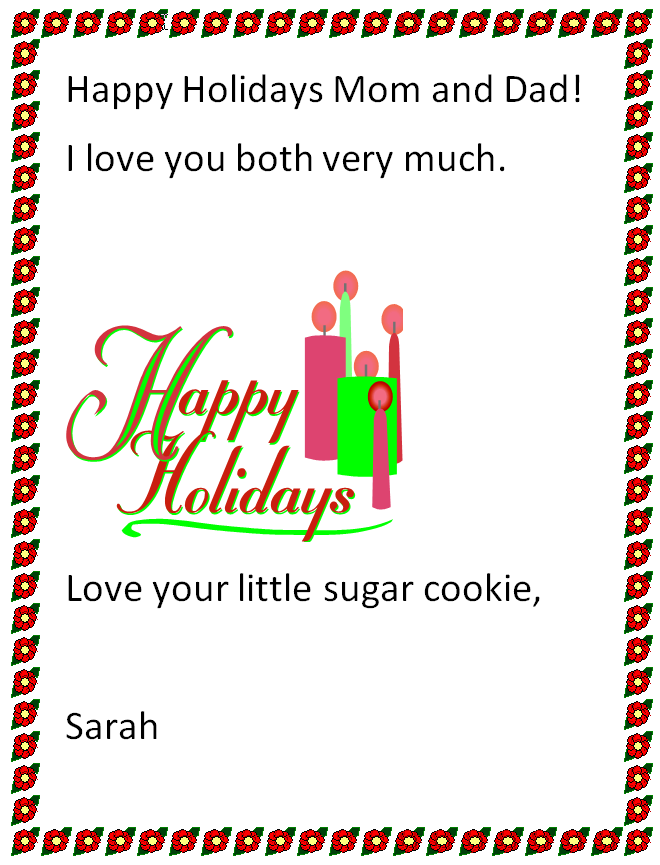
Happy Holidays Letter - Intermediate

This letter uses a border, the default font style, and clipart.


Happy Holidays Greeting


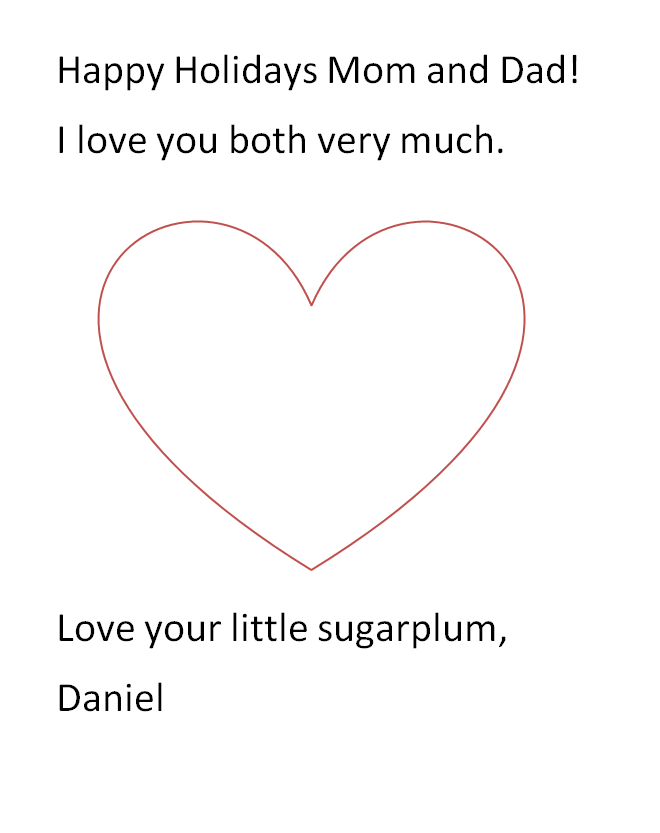
Happy Holidays Letter - Basic

This letter uses the default font style and one shape.

Happy Holidays Letter