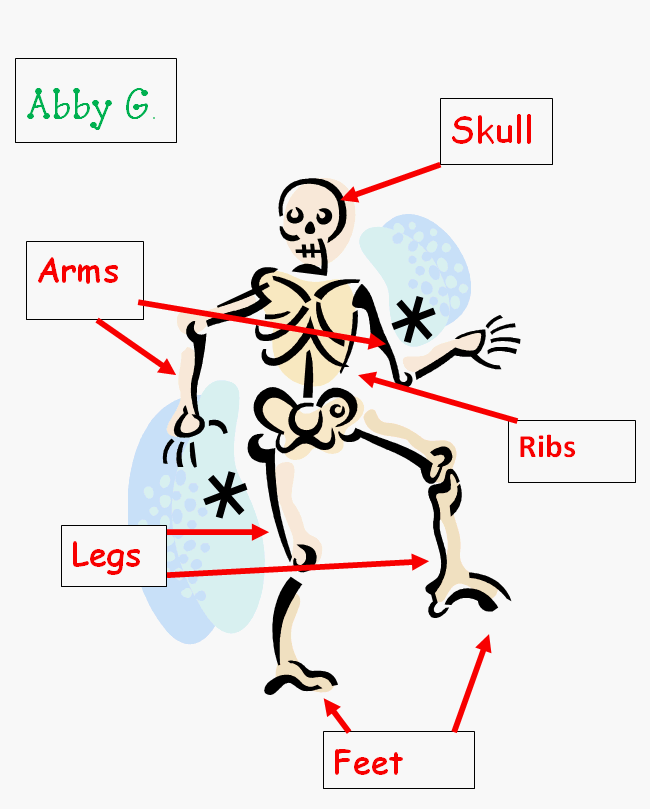
Label the Skeleton Bones
Assignment: Students use clipart and text boxes to label the bones on a skeleton. Students insert a clipart image of a skeleton. Students learn to size and position the clipart on the page. Students insert, size and position text boxes in the appropriate places near the skeleton. Students add text inside the text boxes. Students change the font type, size and color to their preferences. Using text boxes for labeling is an essential skill that is useful for creating reports, title pages, brochures, presentations and posters.
Grade 3 +
With guidance and support from adults, use technology to produce and publish writing (using keyboarding skills) as well as to interact and collaborate with others. Common Core Standard: CCSS.ELA-LITERACY.W.3.6
Labeled Skeleton - Finished Example
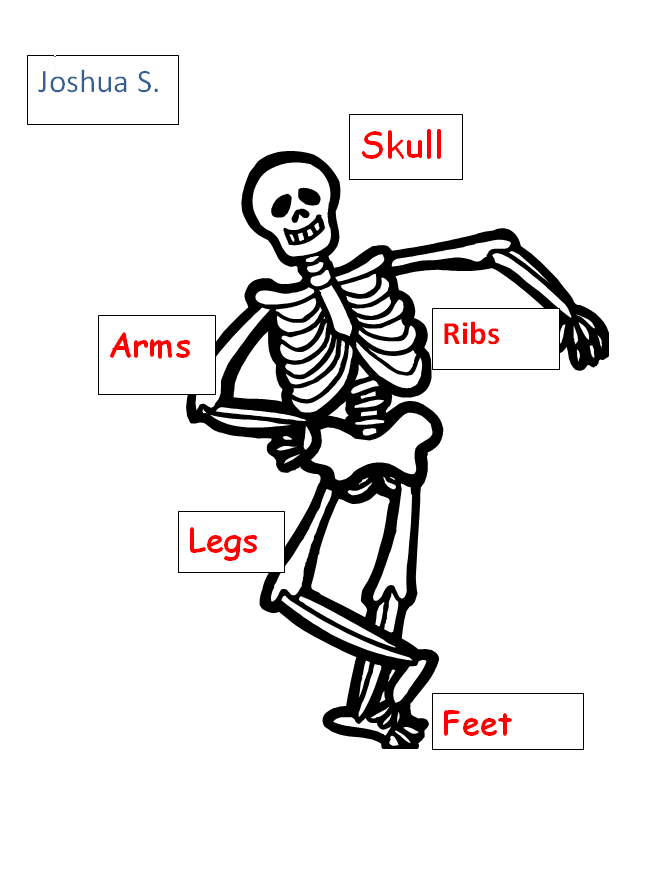
Skeleton with Text Boxes and Arrows
This version of the labeled skeleton includes the addition of arrows to point to the correct location of the bones. Students can add arrows by using the "Insert Shapes" feature and selecting an arrow shape to insert. Students can format the arrows with different colors and line thicknesses.